Log In
Using Google account
Log In to your juno.one account using Google account
There are 2 methods you are able to log in to juno using Google.

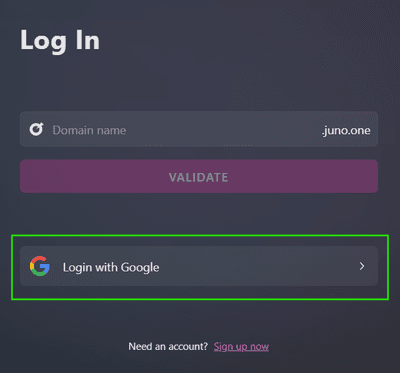
Going through Login page
Select
Login with Google
. You'll be redirected to Google for authorization.
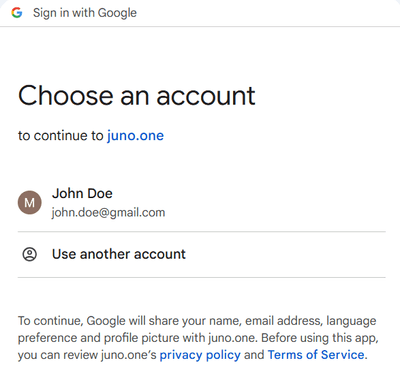
Consecutively select your google account.
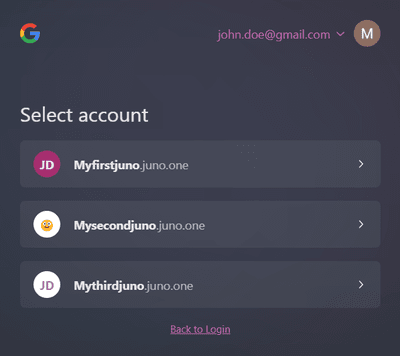
In Juno you'll see a list of all juno workspaces your email is linked to a certain user. Just select the one you wish to log in and you'll be redirected to the app.

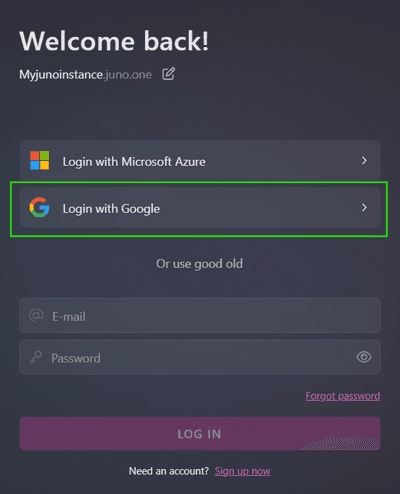
Alternatively you can go through your instance URL
https://mycompany.juno.one/login
("mycompany" is the name of your juno.one instance).In this case your login is linked to the respective instance only.
Select
Login with Google
. You'll be redirected to Google for authorization.
Consecutively select your google account.
After the Google authorization you will be redirected back to juno login. Your Google is now signed in the top right corner.
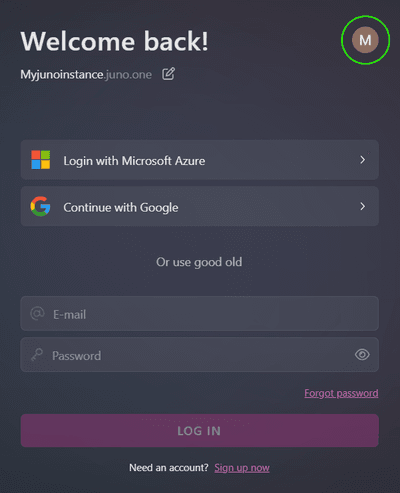
Complete your login via
Continue with Google
button.