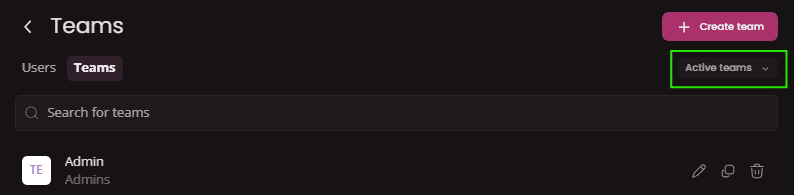
Teams
Learn how to work with Teams in Project management. Setting up Teams is crucial for efficient collaboration in juno.one.
Teams in general
Teams are the building blocks of collaboration in any project management system. Imagine them as organized groups within a project, where you can assign
Furthermore, teams play a crucial role in tracking time spent on issues and tests. In Timesheet users record their working hours linked to their specific teams. This allows project managers to generate Reports that analyze how different teams allocate their time. By evaluating this data, managers can identify areas for improvement and optimize team efficiency for future projects and better Roadmap planning.
This ultimately leads to better communication, clearer accountability, and well-informed decision-making throughout the project's lifecycle.
Create a team
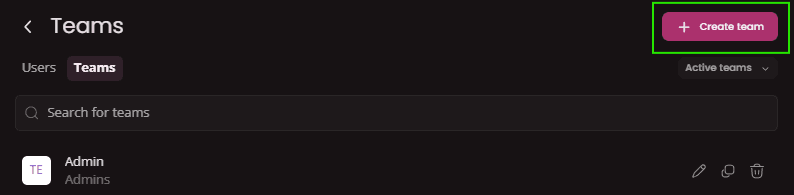
To create a Team go to
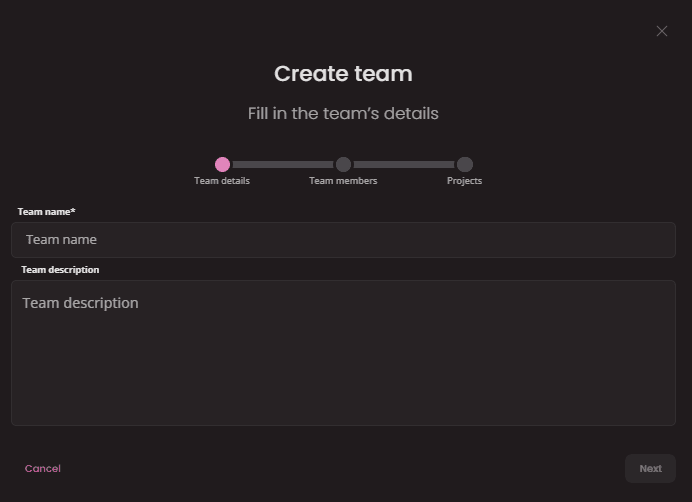
- Team name(required): Type a name of the new team.
- Team Description: Here you can shortly describe the team. Descriptions are visible only on Team's page.
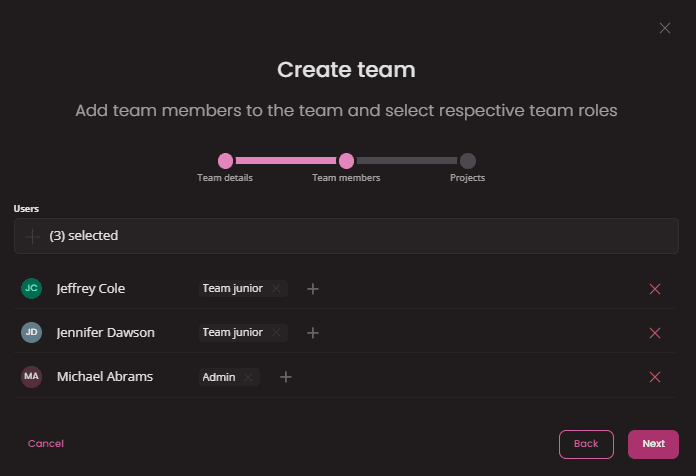 In this step you will select all the users you want to add into the team.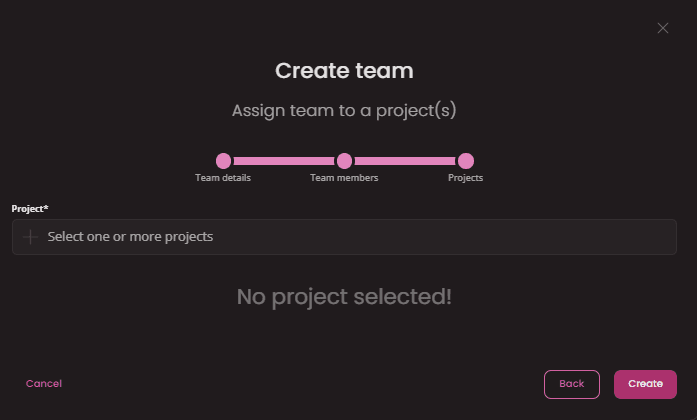
Edit a team
To Edit a team click on
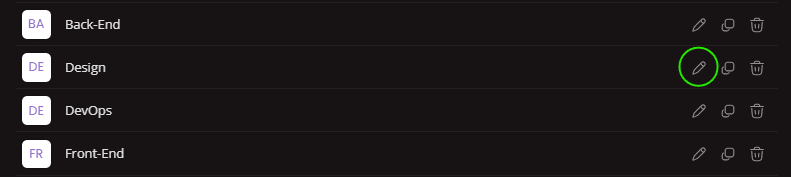
Edit form will open where you can adjust all the necessary fields.
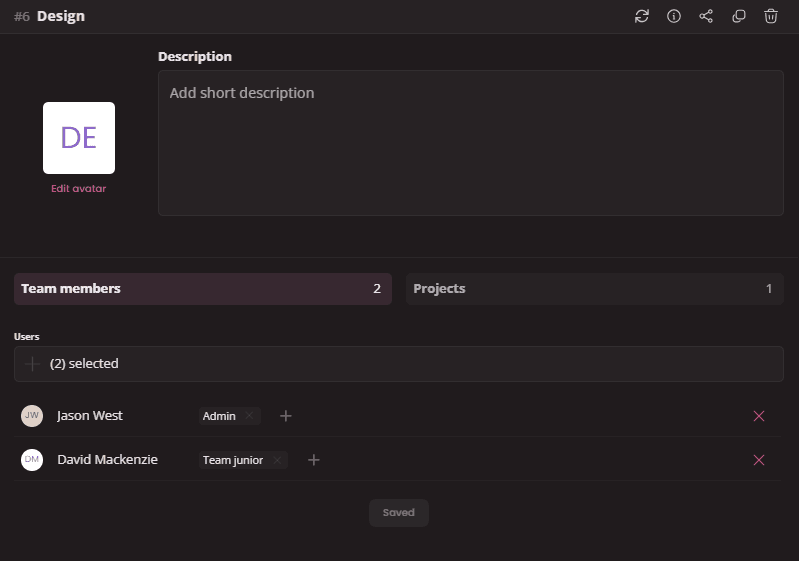
There you are able to edit
Delete a team
Deleted teams will be unlinked from all projects and users assigned to it. Users within those teams will lose access to the respective projects.
To delete a team click on
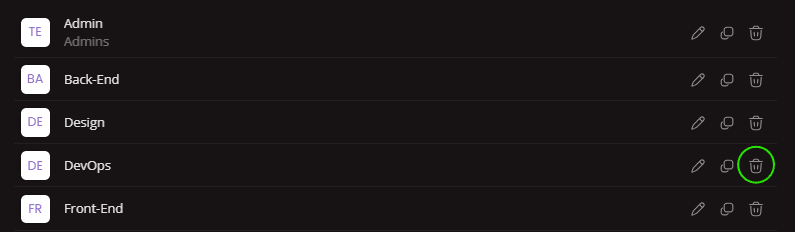
Restore a team
To restore a team first click on
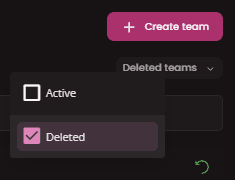
Next select a team you wish to restore and click on

Search a team
To search a team use search bar. You can search team by team name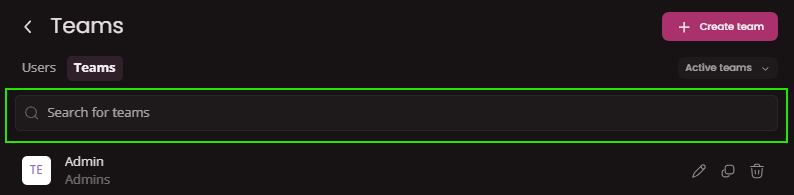
Clone a team
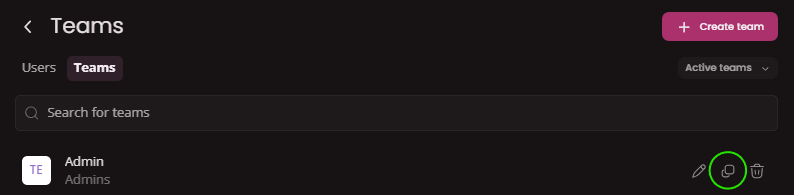
You can make a copy of an existing team by using
Filter results
Filter works at the moment only for filtering