Timesheet Activity types
Activity types are backbone of efficient time tracking in Timesheet module. Learn how to set them.
Activity Types in general
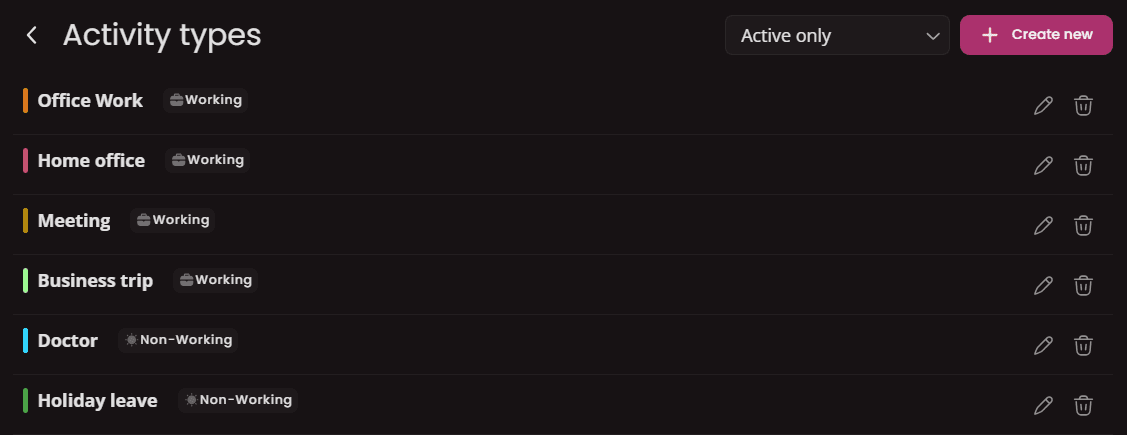
Create new Activity type
To create new activty type click on
When create modal opens you will see following window.
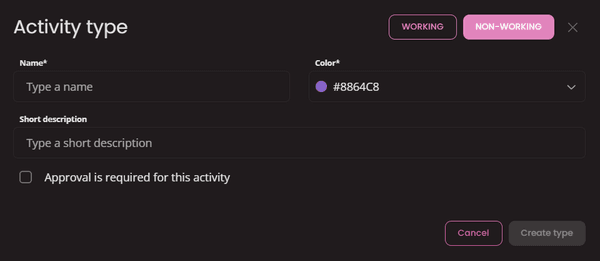
Type a Name of your activity and add a color and a description. In top right corner choose whether the activity is working type or non-working. Working activities can be linked to an issue, project and team.
Lastly an approval can be checked as required for this activity type.
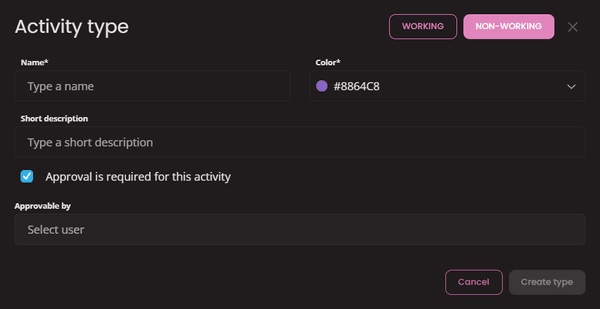
A multiple users as approvers can be set for any activity (whether the activity is working or non-working). Approvers are able to approve ONLY those activity types they are set as Approver (for example Doctor and Vacation may have different approvers).
Edit Activity type
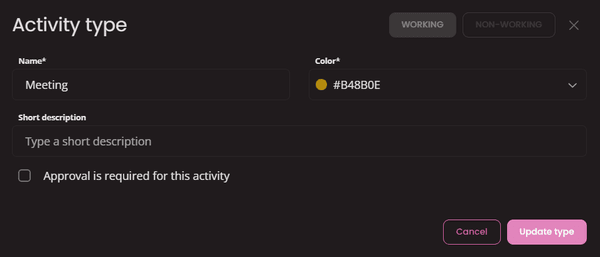
To update activity type details click on Edit button.

In edit window you can adjust any form input except the working/non-working type!
Delete Activity type
Click on

Restore Activity type
Deleted activity types remains deactivated and eventually can be restored.
To restore an activity type first click on
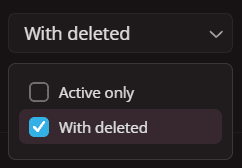
Now you can see deleted items. Select one you want to restore and click on
