Reports
Every now and then, you need to create a set of reports on a project - for a stakeholder, for performance evaluation, or just to see the progress of your team's work. Here's how you do it with juno's Reports module.
How to create a report
The new juno.one Reports allow you to create readable visual output files to track progress and performance of your Project's Tests. You can sort Test cases by various parameters and create simple or detailed exports in PDF or XLS formats.
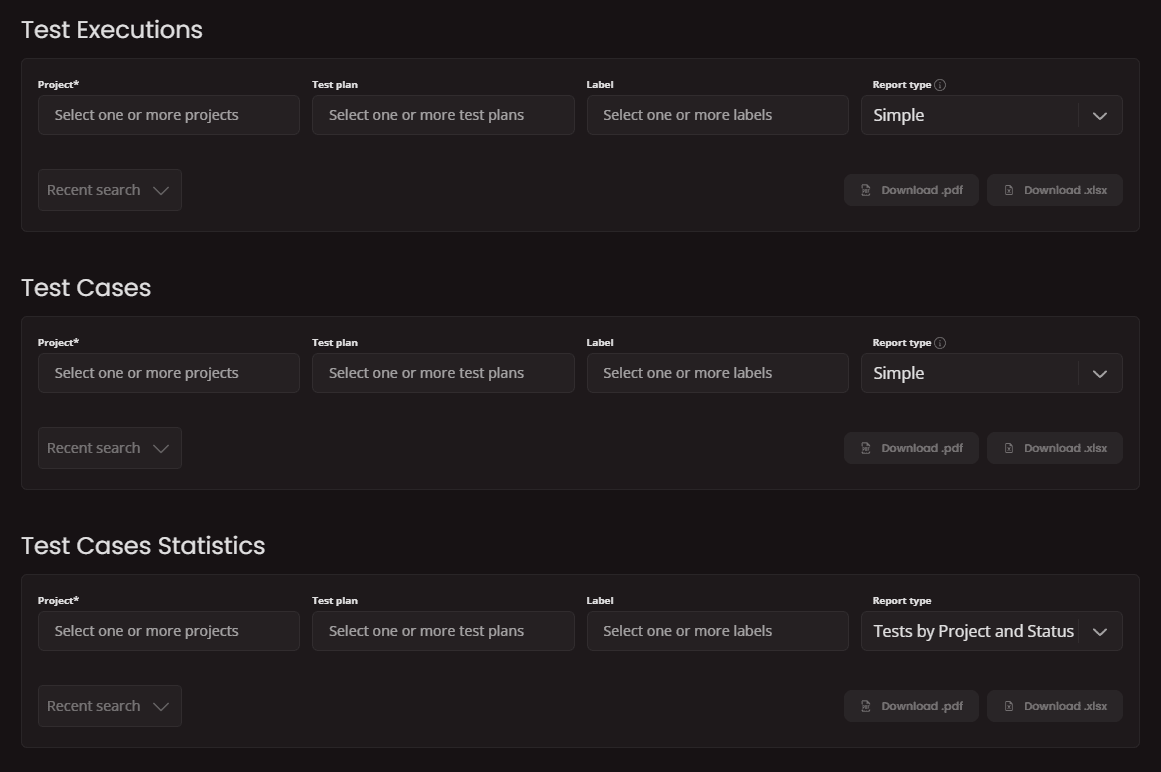
Test Executions
Test executions reporting provides an overview of all test executions realized under one or multiple projects.
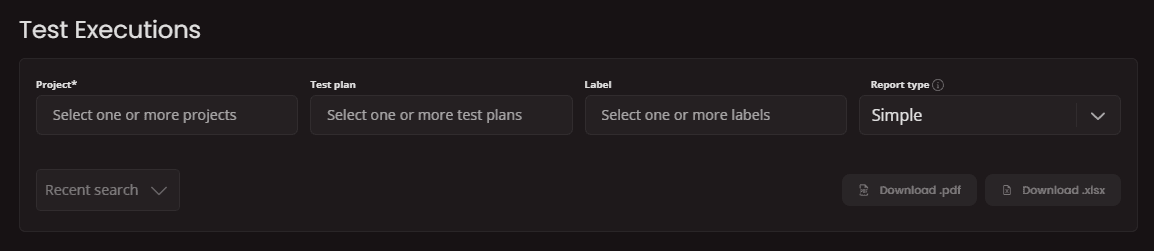
First, select one or more
And finally select the
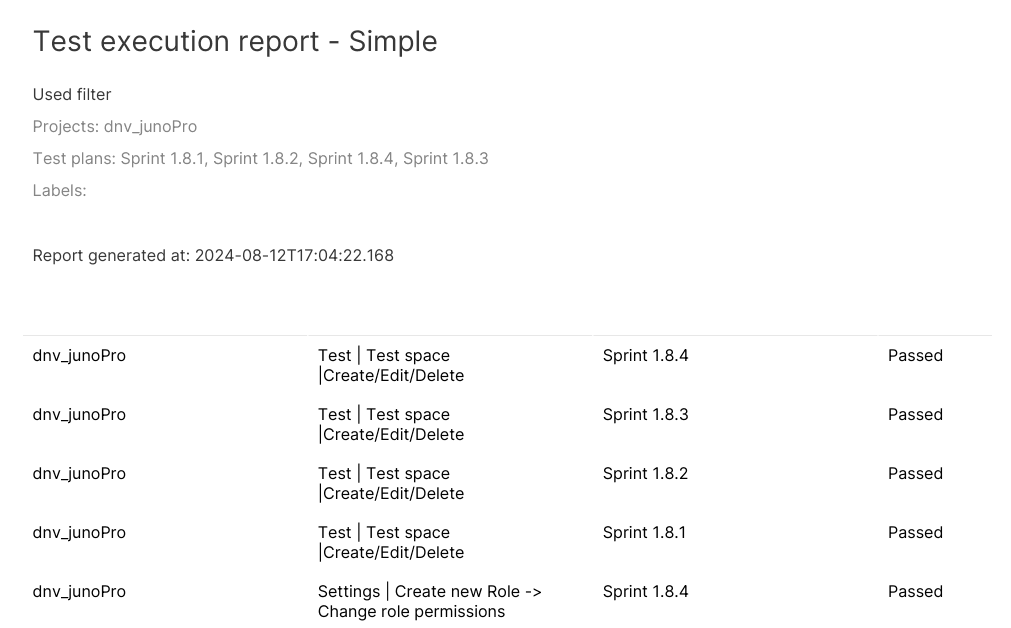
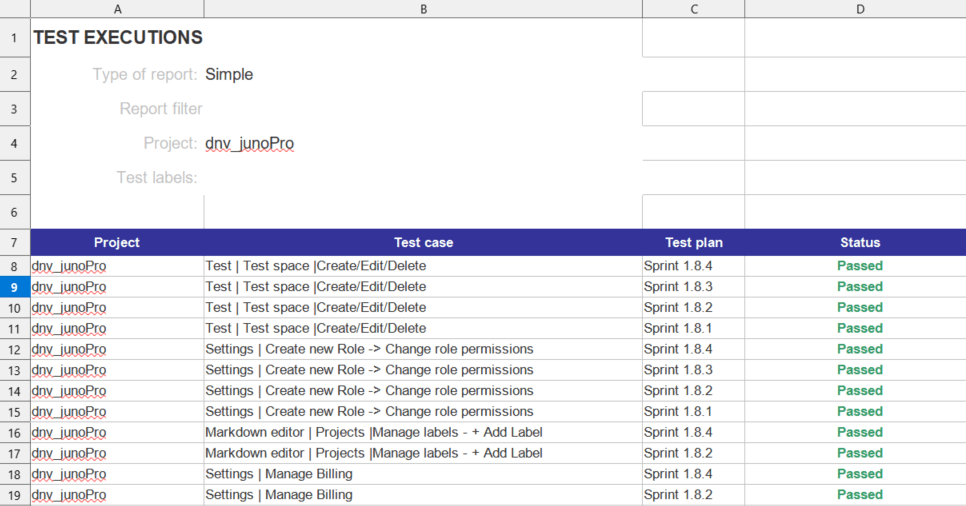
Simple report includes:
- Project,Test case,Test plan,Status.
Detailed report includes:
- Project,Test case,Test plan,Status,Precondition,Expectation,Expected result.
PDF example of test executions report:
XLS example of test executions report:
Test Cases
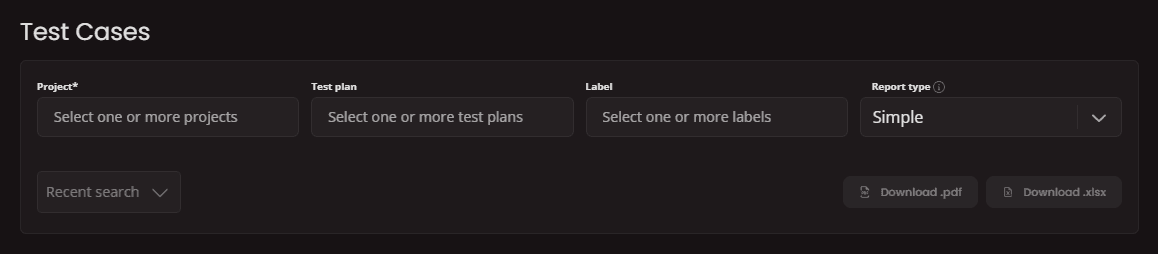
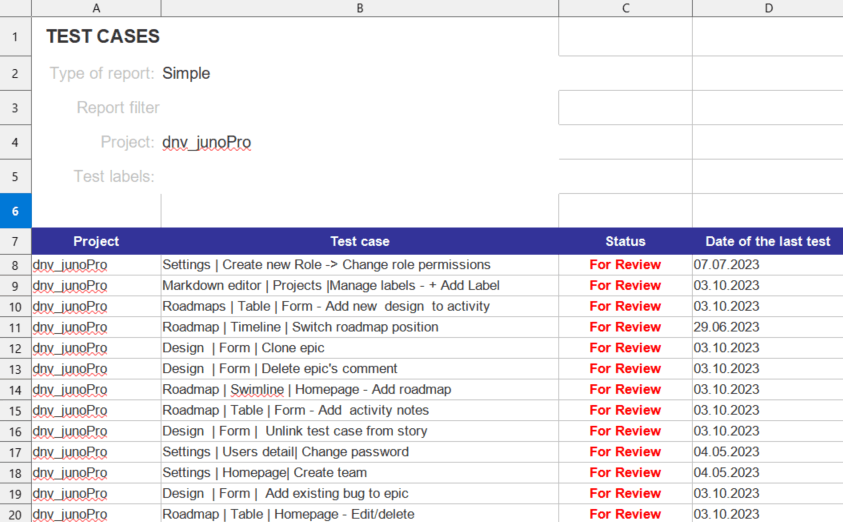
While previous type of reports includes mostly attributes related to execution itself, Test Cases reports focus on parameters of test design. If you want to create a Test case report, select the project or projects you want to use for your report. Then select Test plans and Report type. For either type of Report you can use both PDF and XLS format.
XLS example of test executions report:
Test Cases Statistics
To summarize data from your Test module you can use Statistics report.
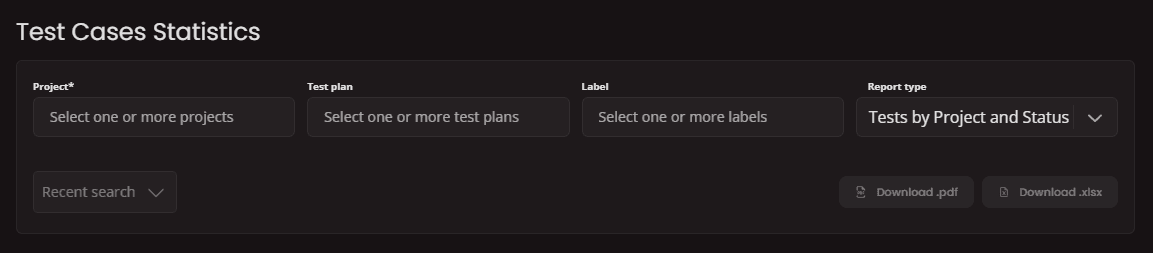
For Statistics related reports, there are following Report types:
- Tests by Project and Status display aggregated info about Test case statuses for one or multiple projects (PDF export is not supported if selected project or projects include too many statuses).
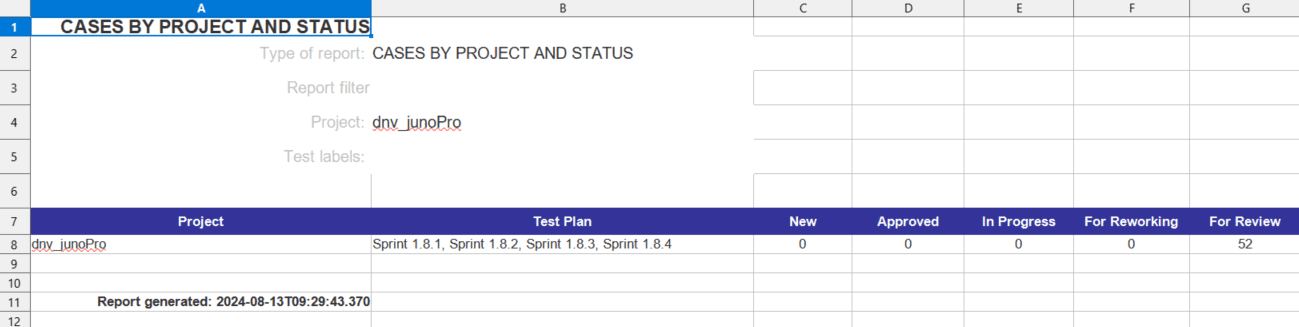
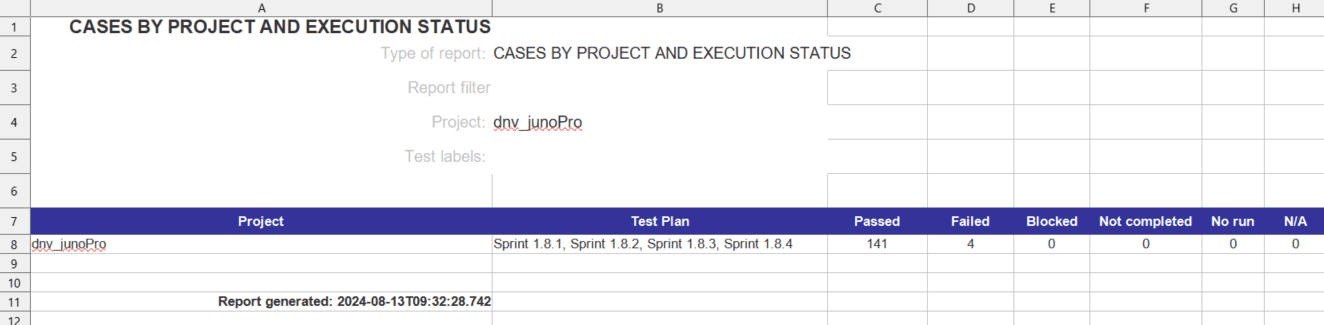
- Tests by Project and Execution Status displays aggregated info about Test execution statuses for one or multiple projects.
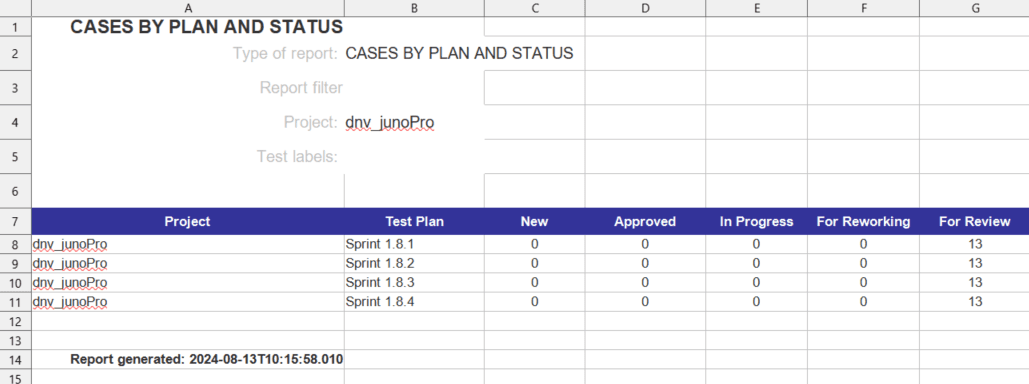
- Tests by Plan and Status reports summary of Test design statuses for each of selected projects (PDF export is not supported if selected project or project include too many statuses).
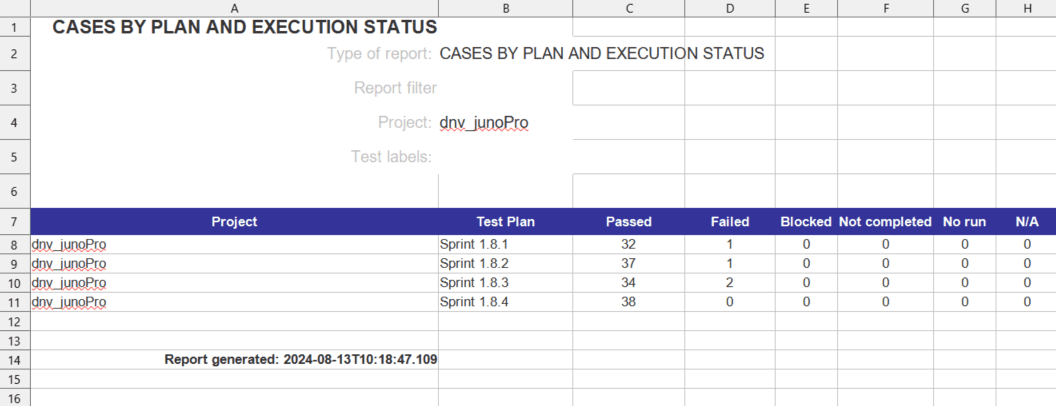
- Tests by Plan and Execution Status report summary of Test case statuses for each of selected projects
Recent search
Recent search provides you with option to save your pre-defined report settings as templates to work more efficiently.
To save your selected filter first click on
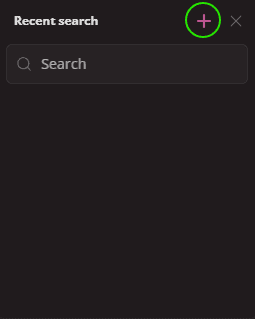
In new window you can see preview of your selected filters. Here you need to type a name of your template and confirm by
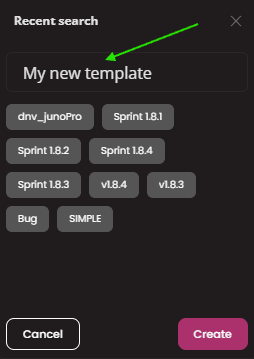
Your new template will appear in the list of templates.
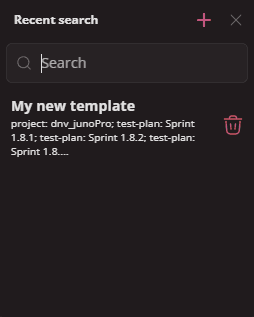
Everytime you may need this same report, you can just open recent search and select a template. Report filter will be prefilled for you to save you some time.