Sign Up
Creating account
Step by step guide to create a juno.one account.
To get started go to Signup page
1. Workspace details
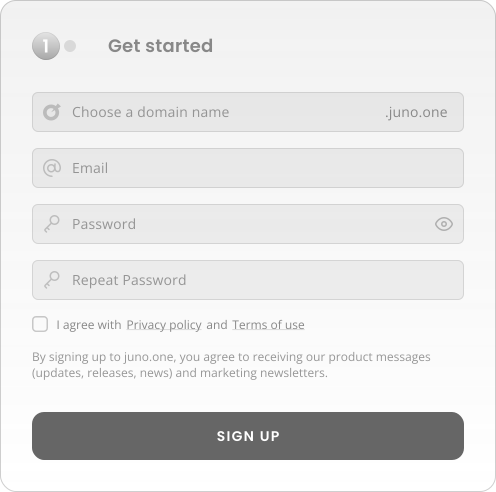
- Choose a Domain name : This is your workspace name. You can use any domain that's currently available.
- Fill up your Email & Password : We need your e-mail for account verification. Read more about how We handle your data in GDPR rules.)
2. Permission preference
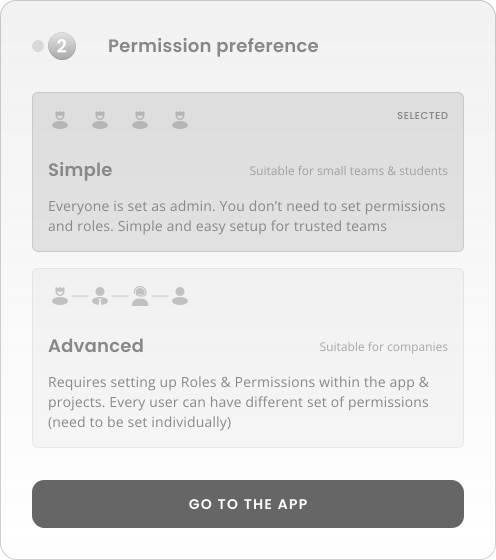
In this step you choose your preferred Permission setup.
- Simple : This option will set all your teammates as superadmins.
- Advanced : This option allows you to create your own roles with custom set of permissions.
More about the Roles & Permissions
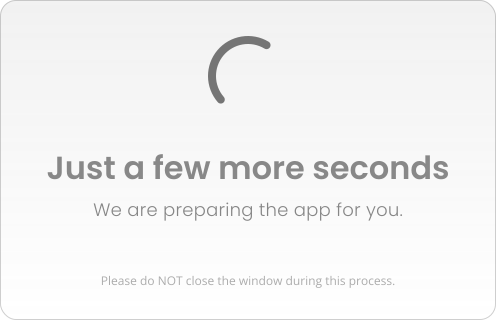
Now just wait while we prepare your new workspace. This shouldn't take more than a few seconds.
Shortly You will be automatically redirected to the app.